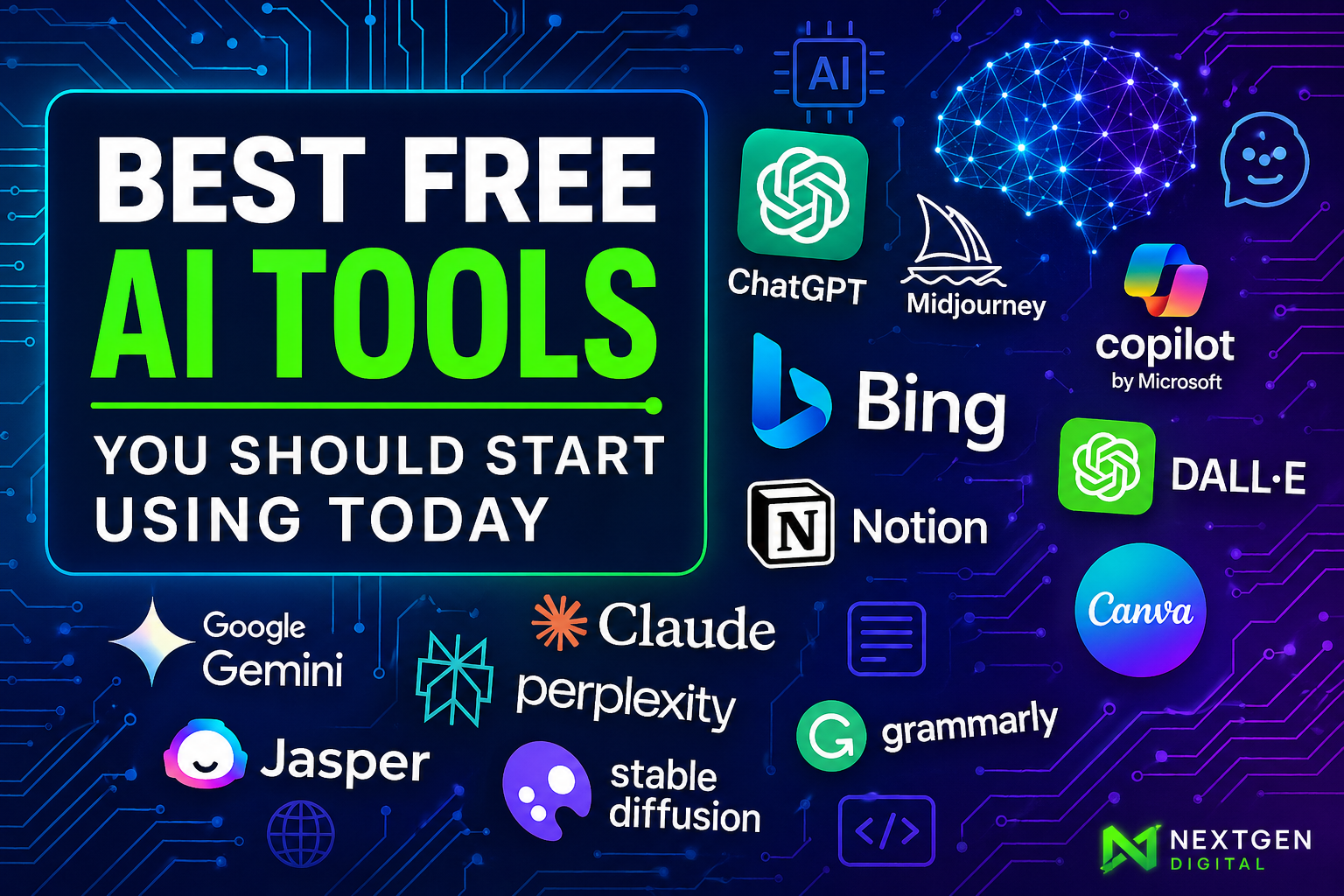
✨ Best Free AI Tools
You Should Start Using Today
Your 2026 launchpad for AI productivity — writing, art, code, data, speech & automation without spending a cent.
📊 comparison table
⚡ decision flowchart
free + powerful | no credit card needed
In 2026, a growing roster of completely free AI tools helps everyone — from writers and designers to developers and analysts. This guide reviews 12 top preferences across writing assistants, image generators, code helpers, data analysis tools, speech-to-text, chatbots, and productivity aids. We compare features, limits, real-world use cases, and even include quick-start tips + a decision flowchart. Whether you want to brainstorm content, create AI art, or systematize your coding, there’s a free tool for you.
- ✅ Gemini Code Assist: 180k completions/month
- ✅ Bing Image Creator: DALL·E 3 + GPT-4o free
- ✅ Whisper open‑source (perfect transcriptions)
AI Writing & Content Tools
ChatGPT (OpenAI)
free tier
Versatile chatbot for drafting emails, articles, code, brainstorming — uses GPT-5.2 (free).
⚠️ Cons: can hallucinate facts, slower at peak
Google Gemini (Bard)
Free with Google account — deep Workspace integration, docs drafting, research aid.
⚠️ Cons: requires sign-in, still evolving
Grammarly (Free)
AI writing assistant for grammar, clarity, tone detection — browser/Word/Gmail.
⚠️ Cons: limited AI rewriting (premium needed)
AI Image Generation Tools
🖼️ Bing Image Creator
DALL·E 3 & GPT‑4o models, 15 fast generations/day + 200 boosts.
⚡ Stable Diffusion
Open‑source model, unlimited via Hugging Face demos or local install.
✨ DALL·E 3 (ChatGPT)
Integrated inside free ChatGPT — “create an image of futuristic city”.
Code Assistance Tools
Gemini Code Assist (Google)
VS Code/JetBrains plugin → 180k completions/month, auto‑complete, debugging.
Codeium
Unlimited completions, 70+ languages, IDE & browser extension. True free assistant.
Tabnine (Free plan)
Basic AI completions offline, supports many IDEs. Lightweight & privacy‑oriented.
Data Analysis & Notebooks
Google Colab
Free GPU/TPU, Jupyter notebooks, run ML models, pandas analysis.
✨ 12‑24h session | save to Drive
Google NotebookLM
AI research assistant: upload any doc, ask summaries, Q&A with your data.
🧠 experimental but free + multimodal
Hugging Face Spaces
Thousands of free AI demos, data viz, chart QA, no‑code inference.
🚀 community‑driven & ready to explore
Speech‑to‑Text Tools
Open‑source, 680k+ hours training, 100+ languages, high accuracy transcripts.
💻 technical: Python/Colab, but free forever.
600 mins/month, live meeting transcription (Zoom/Teams), speaker ID.
📱 web & mobile, English only | upgraded plan unlocks more
Open‑source offline engines, embeddable & on‑device. Great for private apps.
🔒 zero cloud cost, lower accuracy than Whisper
AI Chatbots & Virtual Assistants
Tutor, role‑play, coding Q&A — knowledge up to 2026, best all‑rounder.
Real‑time web answers, multi‑turn chat, free via Google account.
Powered by OpenAI + search, free in Edge/Bing app, up‑to‑date answers.
Productivity & Automation
Sentence autocmpletion + “Help me write” inside Gmail.
100 tasks/month: auto‑summarize tickets, social posts, AI actions.
Limited free trial for rewriting notes, brainstorming.
Browser‑wide grammar & tone improvements for daily writing.
📋 Free AI Tools Comparison Table (2026)
| Tool | Key Features | Free Tier Limits | Best For |
|---|---|---|---|
| ChatGPT | chat, text gen, Q&A, DALL·E 3 | free web/mobile, GPT-5.2 | versatile writing/chat |
| Bing Image Creator | DALL·E 3 & GPT-4o images | 15 fast images/day + 200 prompts | instant AI art |
| Stable Diffusion | open-source, unlimited | free via demos / self-hosted | customizable art projects |
| Gemini Code Assist | IDE autocomplete, debugging | 180k completions/month | coding productivity |
| Codeium | AI code completions | unlimited completions | students & hobbyists |
| Google Colab | GPU/TPU notebooks | free compute (session limits) | data/ML prototyping |
| OpenAI Whisper | speech recognition | fully free (open source) | high‑quality transcription |
| Otter.ai | meeting transcription | 600 mins/month | team meetings & notes |
| Gmail Smart Compose | email prediction | free (Gmail built‑in) | email drafting speed |
| Zapier AI | automated text actions | 100 tasks/month | low‑code workflows |
Decision Flowchart: Choose Your Free AI Tool
                    flowchart LR
                        A[❓ What do you need?] --> B[✍️ Write or edit text]
                        A --> C[🎨 Generate images]
                        A --> D[💻 Code assistance]
                        A --> E[📊 Analyze data or docs]
                        A --> F[🎙️ Transcribe audio]
                        A --> G[💬 Chatbot / Q&A]
                        A --> H[⚙️ Automate/Productivity]
                        B --> B1["→ ChatGPT or Grammarly"]
                        C --> C1["→ Bing Image Creator or Stable Diffusion"]
                        D --> D1["→ Gemini Code Assist or Codeium"]
                        E --> E1["→ Google Colab or NotebookLM"]
                        F --> F1["→ Whisper or Otter.ai"]
                        G --> G1["→ ChatGPT or Google Gemini"]
                        H --> H1["→ Gmail Smart Compose or Zapier AI"]
💡 interactive flowchart — follow your primary need to discover the best free AI tool.
🚀 Quick‑Start Guides for Top 3 Free Tools
- 👉 chat.openai.com → sign up
- Start chat: “Explain ML in simple terms”
- Use for drafts, summaries, ideas
- Tap DALL·E 3 by saying “Generate image…”
- Visit bing.com/create (Microsoft login)
- Prompt: “watercolor forest at dawn”
- Pick model (GPT-4o / DALL·E 3)
- Download high‑res images free
- Install VS Code extension from marketplace
- Sign in with Google account
- Type comment: `# sort array of objects`
- Press TAB → AI generates full code
✅ Pros of Free AI Tools
- Zero entry cost → democratizing creativity & dev
- Rapid prototyping (images, code, copy)
- Massive ecosystems (ChatGPT, Gemini, OSS models)
- Flexible integrations & browser‑first experiences
- Regular updates & new features (Gemini, Whisper v3)
⚠️ Cons & Limitations
- Daily quotas / rate limits (Bing: 15 images)
- Potential “hallucinations” (ChatGPT, Bard)
- Privacy: some free tools collect data
- Advanced features behind paywalls (Grammarly premium)
- Session timeouts on Colab & limited context memory
⭐ All tool limits accurate as of 2026 — always check official websites for latest updates. Free AI is accelerating fast; start creating today.
🔍 Made with TailwindCSS + Mermaid • full resource for AI explorers