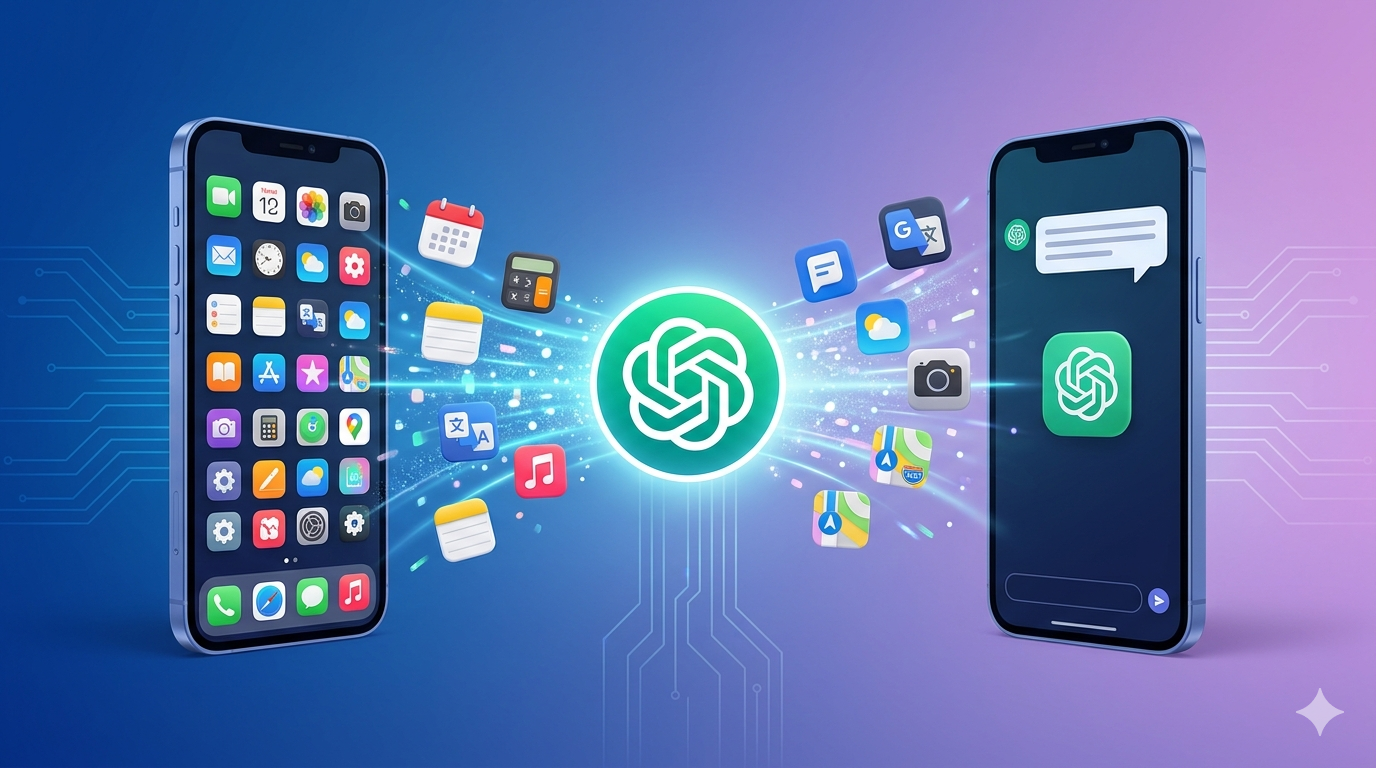
🎨 Featured image suggestion: “ChatGPT absorbing app icons – futuristic 3D”
(use DALL·E or Midjourney with prompt from article)
How AI Tools Like ChatGPT Are Replacing Traditional Apps
Remember the days when your smartphone was packed with dozens of apps – a separate one for weather, another for notes, a third for translation, and yet another for basic calculations? Those days are fading fast. AI tools like ChatGPT are quietly but powerfully replacing traditional apps, reshaping how we interact with technology.
In this article, we’ll explore how this shift is happening, highlight the top AI-driven alternatives, and reveal the best strategies to stay ahead in this new landscape.
📋 Executive Summary
In recent years, powerful AI tools (e.g., ChatGPT, Google Bard/Gemini, Microsoft Copilot, Claude, Perplexity, and others) have begun to supplant many traditional software applications. Users increasingly ask AI assistants to do tasks – from writing documents and generating images to conducting research – rather than opening specific apps. AI tools often provide a conversational interface and integration via plugins/APIs, making workflows faster and more seamless. This trend is driven by benefits like speed, personalization, and lower cost. However, AI tools also have limitations (accuracy/hallucination issues, privacy concerns, regulatory scrutiny, and new UX challenges). Adoption is skyrocketing: surveys show a majority of people have used generative AI, with hundreds of millions of daily users worldwide [1][2]. This article explains key concepts, examples, and trends behind the “AI replaces apps” phenomenon.
Defining AI Tools and Traditional Apps
🤖 AI Tools
Modern AI tools are services powered by large language models (LLMs) and other AI models. Examples include ChatGPT (OpenAI), Google Bard/Gemini, Microsoft Copilot (in Office/Windows), Anthropic Claude, Perplexity, and specialized AI like Jasper (writing), Midjourney (images), or Runway (video). Unlike legacy apps with fixed GUIs, AI tools offer conversational or multimodal interfaces. You interact by typing or speaking queries (e.g., “Write me a cover letter” or “Generate a logo design”), and the AI generates the result. Many AI tools also integrate with other services via plugins/APIs (for example, ChatGPT “Apps” let it connect to Google Drive, Slack, or Stripe [3][4]).
📱 Traditional Apps
These are stand-alone software programs (mobile, desktop, or web) like Microsoft Word/Excel, Google Search, Zoom, Spotify, Dropbox, etc. They have specialized GUIs and perform specific tasks (word processing, searching, editing, file syncing). Historically, each function required its own app. In contrast, AI tools can simulate or orchestrate many of these functions from one interface. For instance, instead of launching an email app, calendar, and notes separately, a user might ask an AI assistant to “schedule a meeting and draft the invitation” in one prompt.
AI Tools Displacing App Categories
How AI Replaces Apps: Key Mechanisms
- Conversational or Multimodal UI: Instead of menus and buttons, you ask the AI. Modern models handle text, images, audio, and video (Google Gemini Nano Banana, Veo 3).
- Plugins/APIs (App Integrations): ChatGPT “Apps” connect to Google Drive, Slack, Dropbox, etc. One prompt triggers actions across multiple apps [3][4].
- Grounding and Contextualization: AI can ingest your email history, calendar, and tailor outputs with memory.
- Automation and Composition: AI agents (e.g., Zapier AI) create end-to-end automations across apps using natural language [16].
User Query/Intent → AI Tool (e.g. ChatGPT) → Plugin/API (connected app) → Action/Result (email sent, document created)
✅ Benefits of AI Tools over Apps
- ⚡ Efficiency and Speed – describe, don’t navigate.
- 🎯 Personalization – memory and context adapt to you.
- 🔌 Integration & All-in-One Convenience – replace multiple apps [18].
- 💰 Cost model – one subscription vs many licenses (A16z [19]).
- 🚀 Innovation & Automation – continuous model improvements.
⚠️ Limitations and Risks
- 🎭 Hallucinations – false outputs (GPT-5 still can hallucinate [20]).
- 🔒 Privacy & Data Security – Italy fined OpenAI €15M [21].
- ⚖️ Regulation & compliance (EU AI Act).
- 🖱️ UX gaps – fine-grained control can be harder.
- 🌐 Internet dependence, bias and ethical concerns.
Table: Traditional App vs AI Tool
| Aspect | Traditional App | AI Tool (ChatGPT, etc.) |
|---|---|---|
| Interface | Fixed GUI (menus, buttons) | Conversational or multimodal (text/voice/image) |
| Customization | Limited to built-in settings | Prompt-driven + adaptive context/memory |
| Cost Model | Purchase/license or subscription | Subscription/usage-based; free tiers |
| Integration | Siloed, manual import/export | High via plugins/APIs (AI “Apps”) |
| Learning Curve | Familiar GUI paradigms | Learn prompting; natural language ease |
| Update Frequency | Periodic app versions | Continuous model/API updates |
📈 Adoption Trends & Data (2025–2026)
Consumer adoption: 34% of US adults have used ChatGPT (mid-2025) [22], 54.6% used any generative AI [2]. Globally ~1.7–1.8B users, 500–600M daily [1]. Workplace: 28% of employed Americans use ChatGPT at work [23]. ChatGPT dominates with 800–900M weekly active users [26]; Google’s search share dropped from 89% to 71% of queries by Q4 2025 [10]. Meanwhile AI query volume grew ~300% YoY [10]. OpenAI’s Sora reached 12M downloads [28], Perplexity’s Comet browser 1M+ users [29].
The Future: One App to Rule Them All?
We’re witnessing the birth of the “universal interface” – an AI that replaces not one or two apps, but entire ecosystems. As models become more powerful and cheaper to run, expect to see ChatGPT-like assistants embedded in operating systems (Windows Copilot, Google Assistant with Bard/Gemini). Soon, you won’t “open an app” – you’ll just talk to your device.
The top takeaway? Traditional apps aren’t evil, but they are inefficient. The best tool is the one that adapts to you, not the other way around. ChatGPT and its successors represent a massive leap toward truly human-centric computing.
✅ Conclusion & Actionable Takeaways
AI tools like ChatGPT, Bard/Gemini, Copilot, Claude, and others are fundamentally reshaping how we use software. By offering a single conversational interface that can access many underlying services, they are quietly replacing numerous specialized apps in productivity, search, content creation, coding, design, and more [18][4]. Organizations and individuals should understand this shift and adapt:
- 🧪 Evaluate AI for your tasks. Experiment with drafting, summarizing, generating images.
- 🔌 Leverage integrations. Use AI “apps” or plugins to connect cloud drives, calendars, business data [3][4].
- ✅ Verify AI outputs. Always fact-check due to hallucination risks [20].
- 🔐 Mind privacy and compliance. Follow regulations (EU AI Act) and avoid sharing sensitive data carelessly.
- 📡 Stay informed on trends. Multimodal AI, agents, and real-time capabilities are evolving fast.
So next time you reach for that single-purpose app, pause. Open ChatGPT instead. You might just find that one conversation is worth a thousand downloads.
© 2026 AI Chronicle — How AI tools are replacing traditional apps.